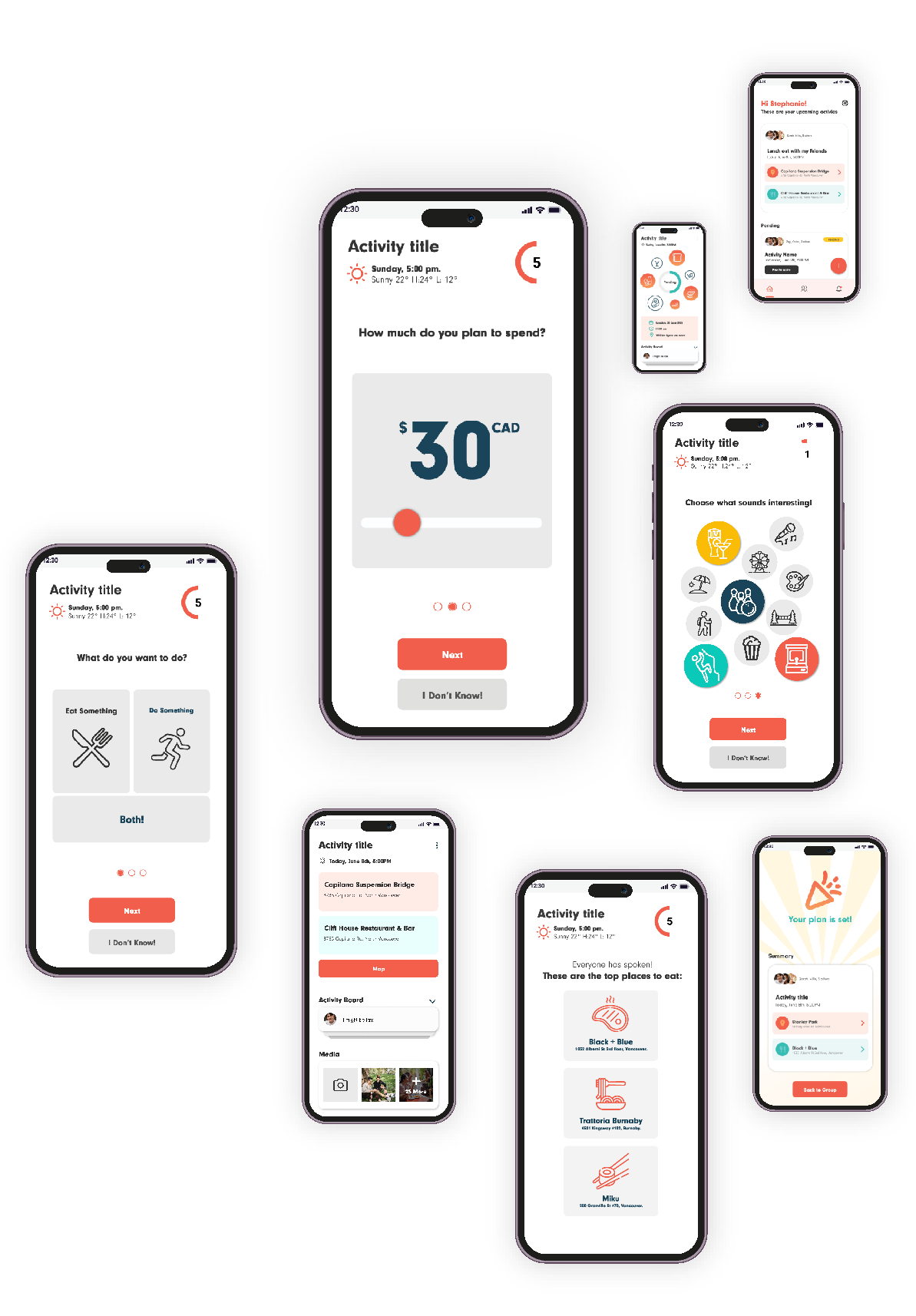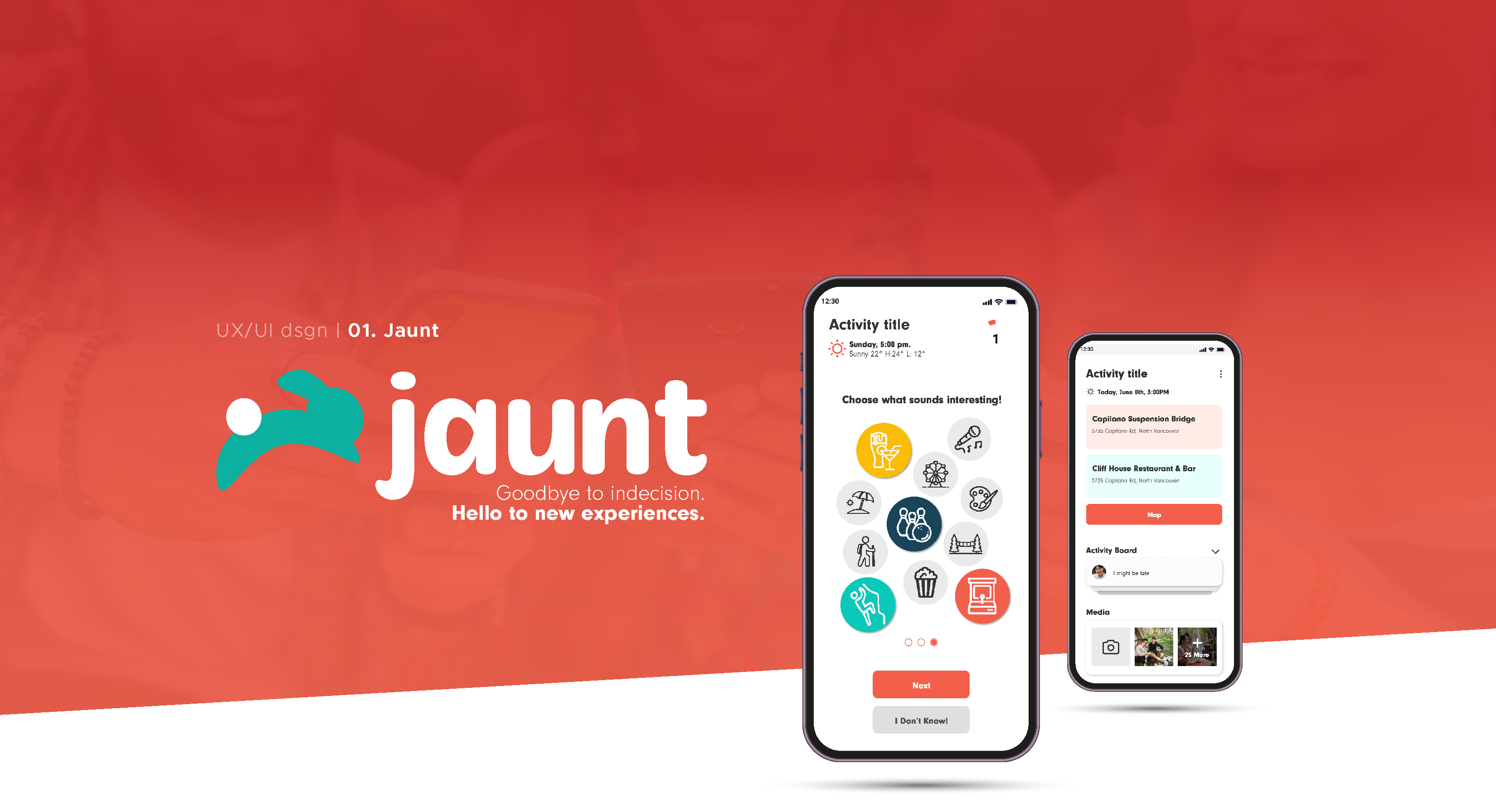
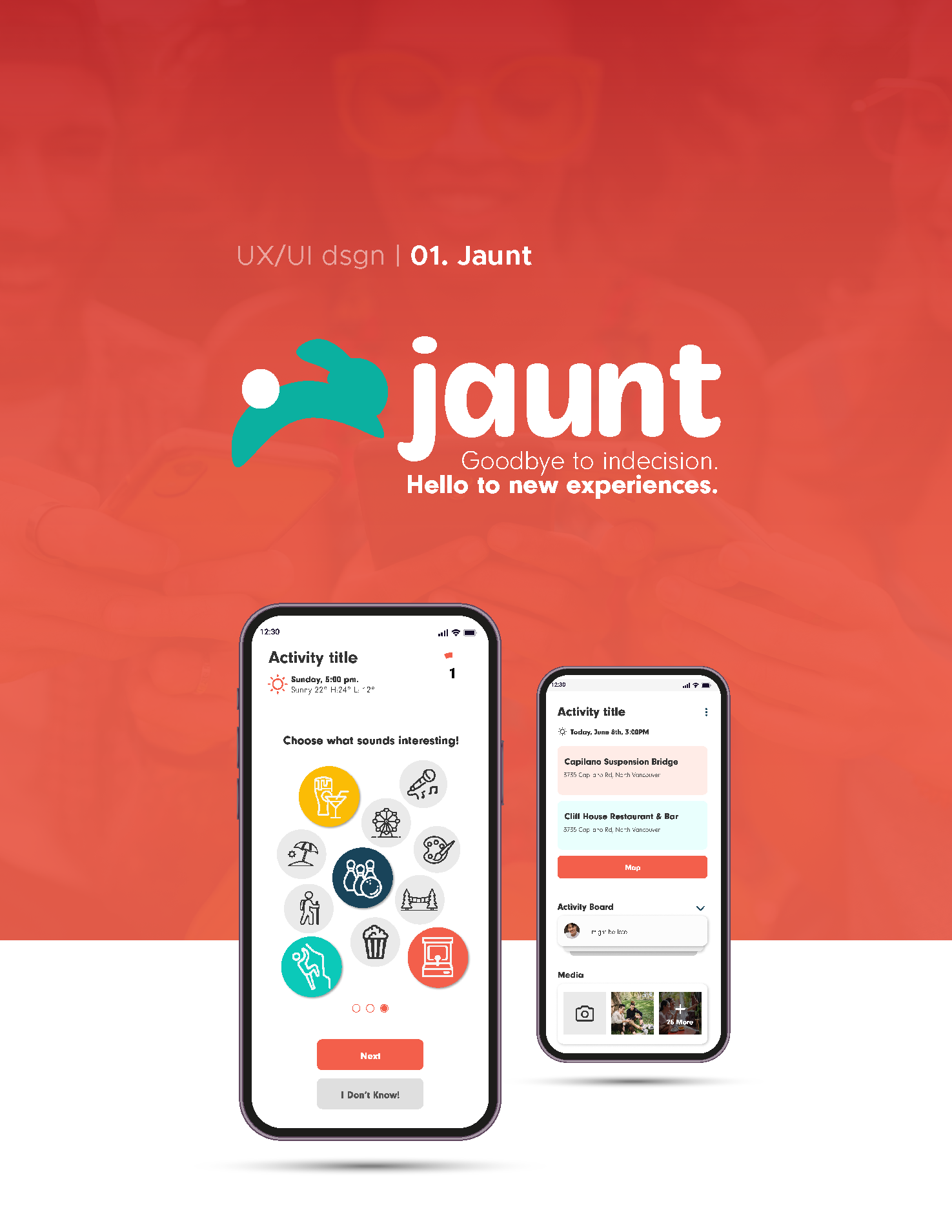
I had 13 weeks to deliver a functional minimum viable product of a mobile app through weekly sprints with a team of 3 developers and 4 designers including myself. The app needed to address a real market opportunity and take advantage of features found in a mobile phone. This is what we created:
Jaunt helps users decide what to do in their free time, whether they're alone, with a group, or with their significant other!
Every user involved is added to a dashboard where they can input data such as their personal preferences, mood, location, and budget.
The app then utilizes AI to generate smart suggestions that cater to everyone's input.
Take a closer look at how Jaunt works, and how I contributed to its creation!
My Roles
Project Management | UX Research & Design | UI Design | Brand Design | Marketing Assets | Project Presentation.
Team
- 4 Designers.
- 3 Developers.
Duration
- 13 Weeks.
Tools & Methodologies
Figma | Illustrator | Photoshop | After Effects | Premiere Pro | Jira | Zoom.
Competitor Analysis | User Interviews | Low-Fidelity & High-Fidelity Wireframing |
Prototyping | Usability Testing (A/B).
Project Proposal
- 100% Designed By Me! (Click here or the title to view).
Landing Page
- 100% Designed & Built Through Team Work! (Click here or the title to view).
- The App -
First-Time Users
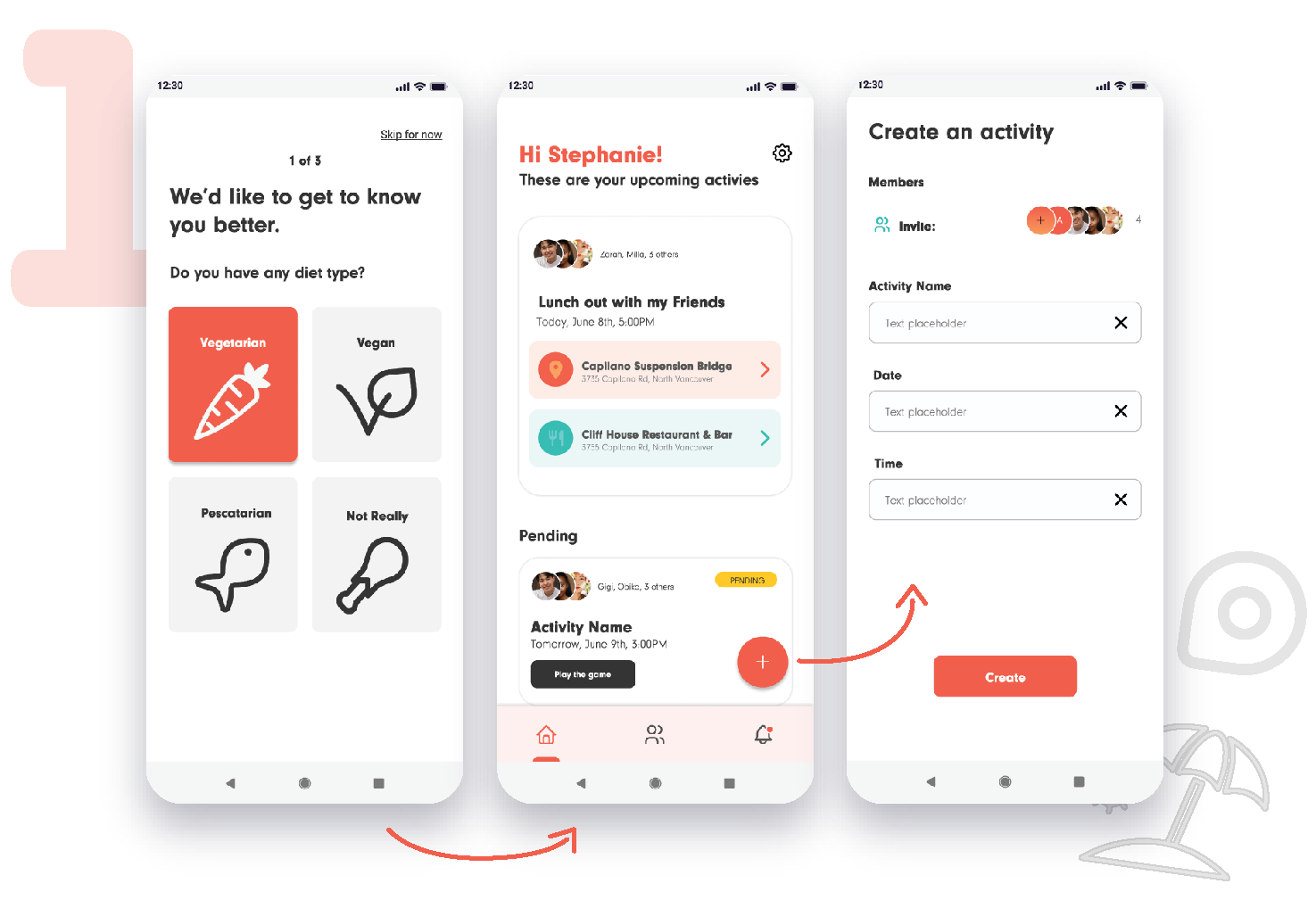
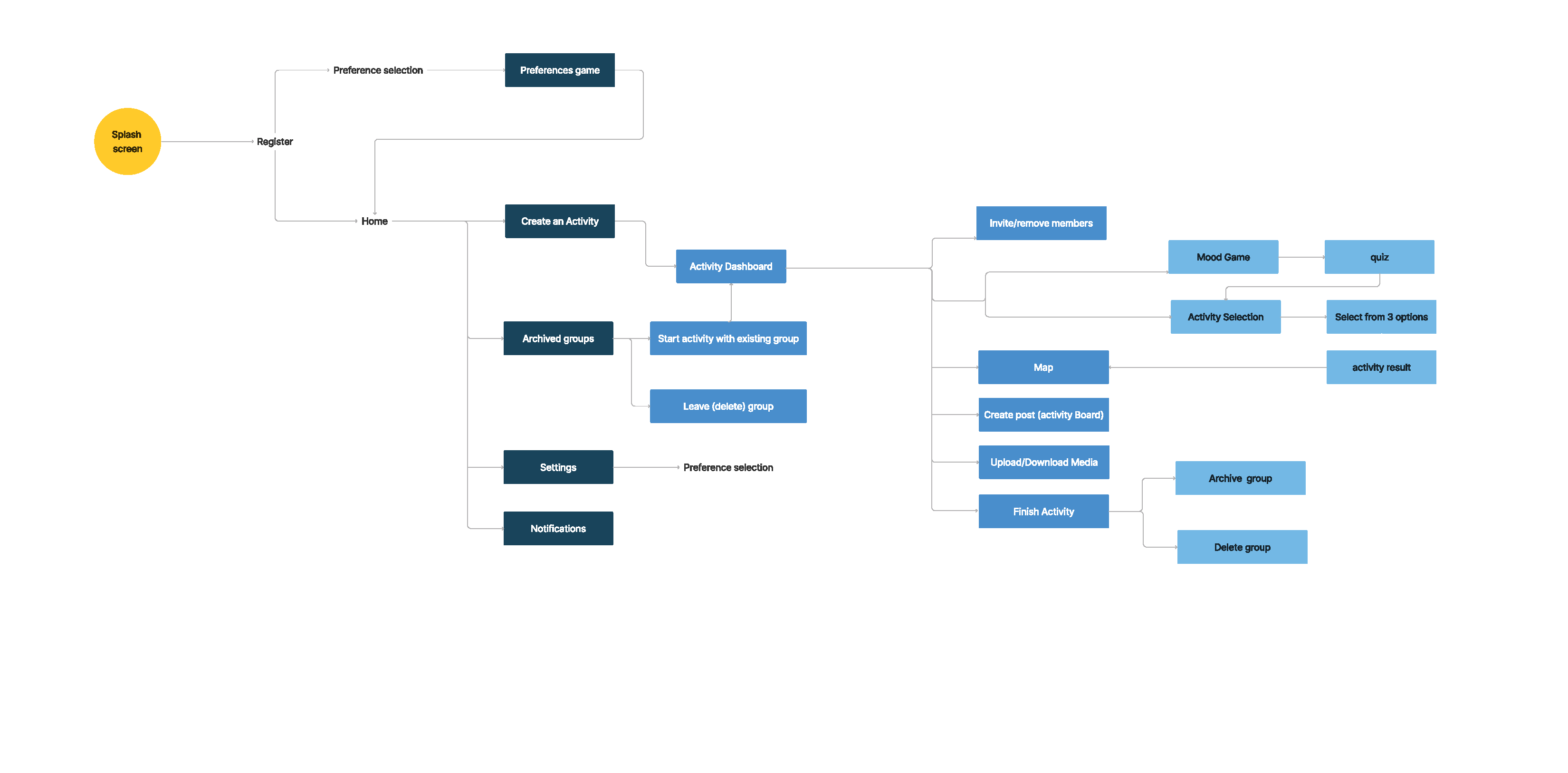
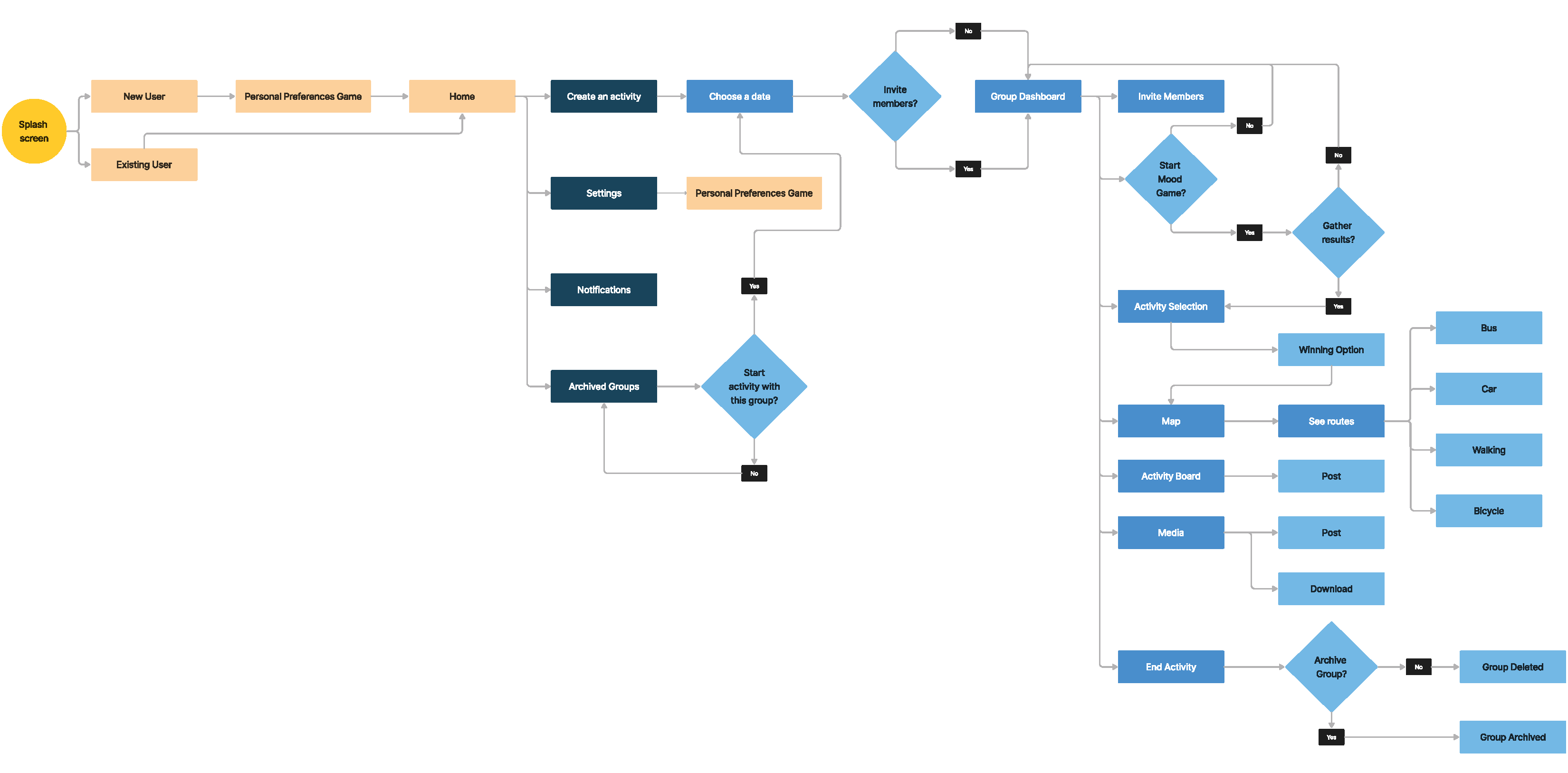
1. First time users will go through an interactive quiz to set their personal preferences - things that usually don't change over time. Existing users are taken directly to the home page.
After this, the user is ready to start an activity from the home page (floating button with the + symbol). Setting a date is the only mandatory field, but users can invite friends as well (only from their contact list), set a name, and set the exact hour of the day of the activity.
Group Activity Dashboard
2. The user is taken to the activity dashboard, where everyone can invite or remove friends, post type on an activity board, upload media, and start the second interactive quiz to set preferences that change according to the mood.
This is configured this way so users do the “personal preferences interactive quiz” only once, and the “mood interactive quiz” only every time they are going to set a new activity.
The dashboard displays the mood game progress of each member in the group. Once everyone has done it, users can move to select the activity.
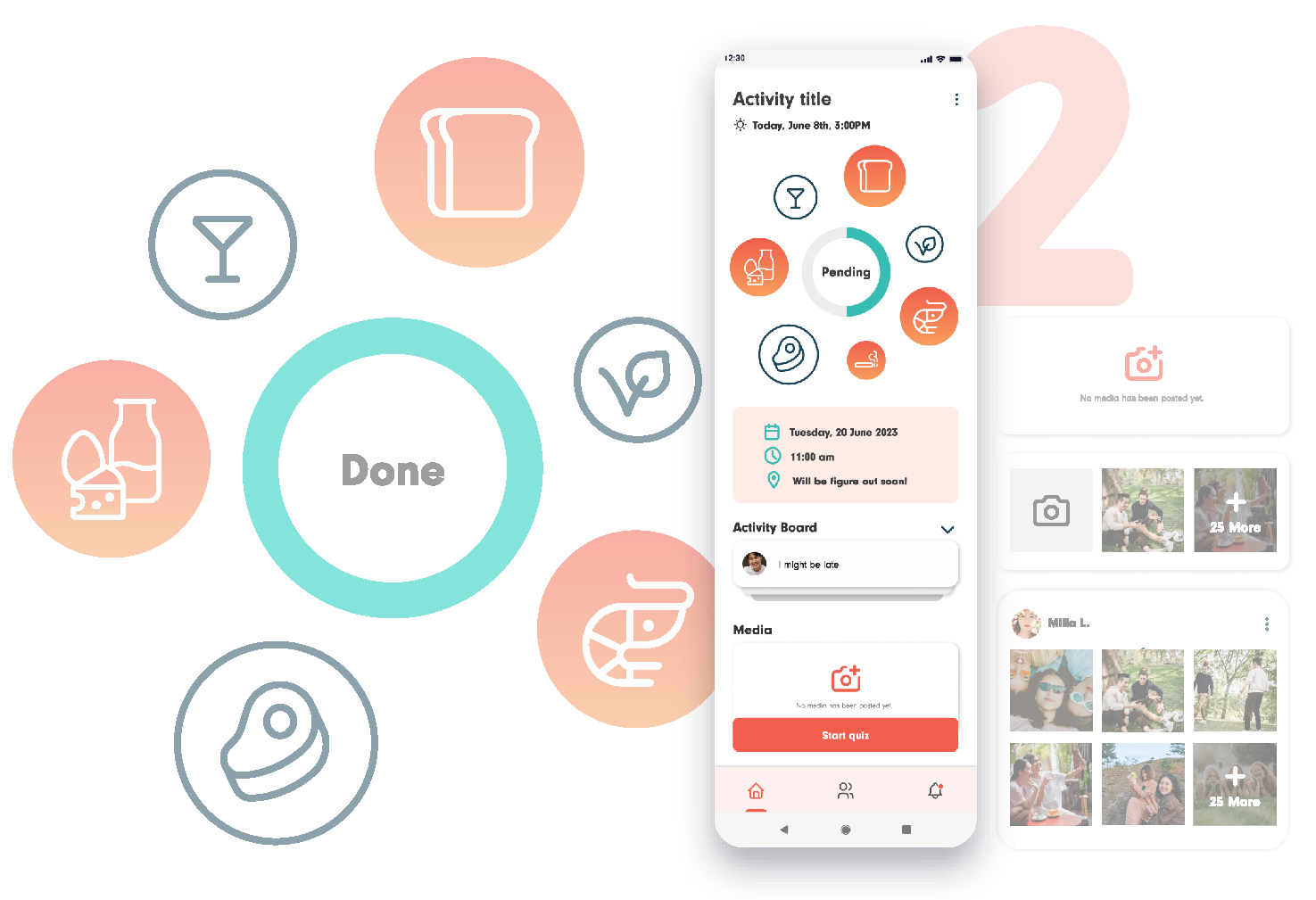
Interactive Quiz
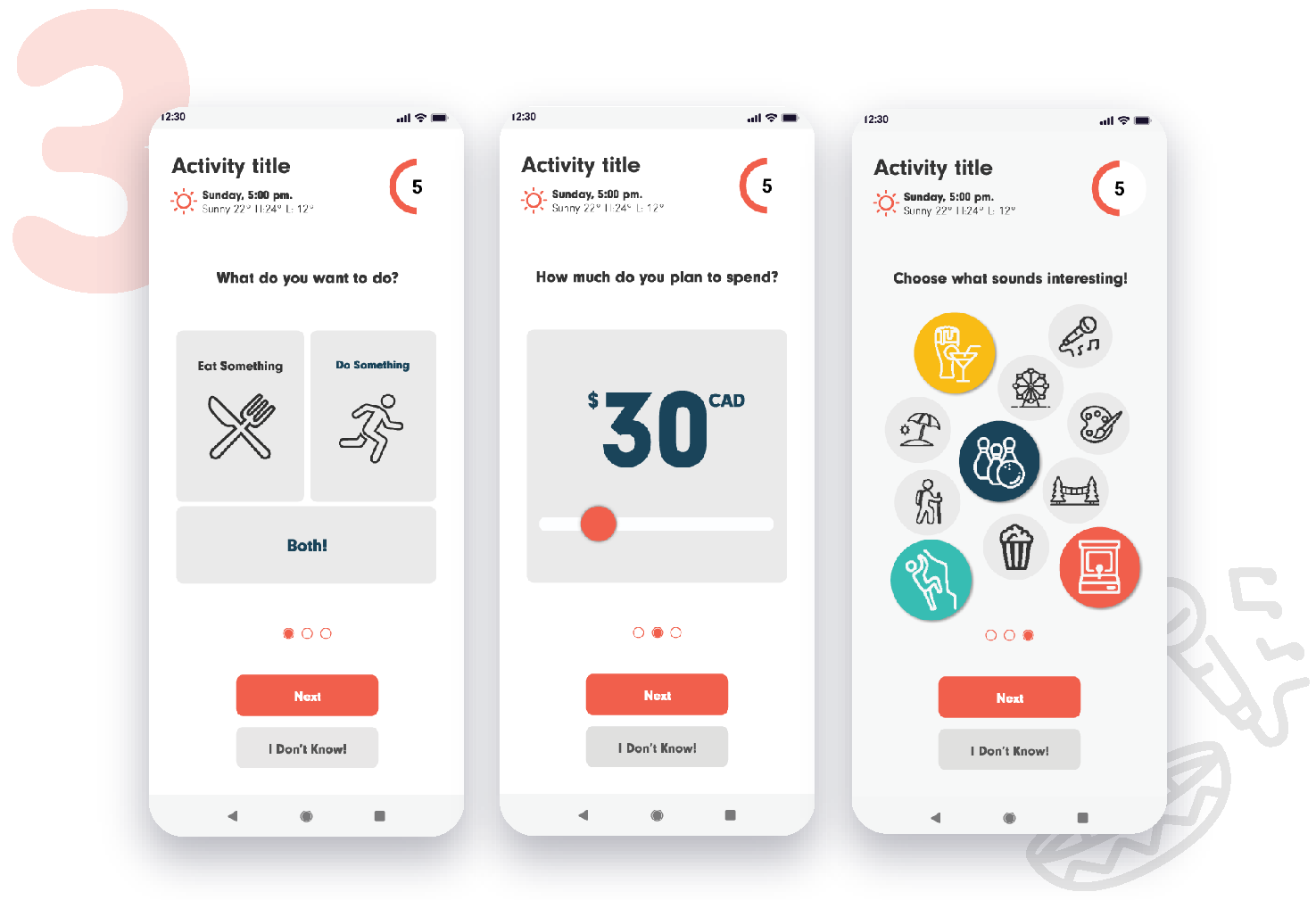
3. The interactive quiz will ask users wether they want to eat something, do something, or both. It will ask for their budget as well, and for activities that might catch their interest at the moment.
Once you go through the quiz, your preferences (and your friends') will be displayed on the group dashboard so everyone can have an idea of what the plan is going to be!
Ready to go!
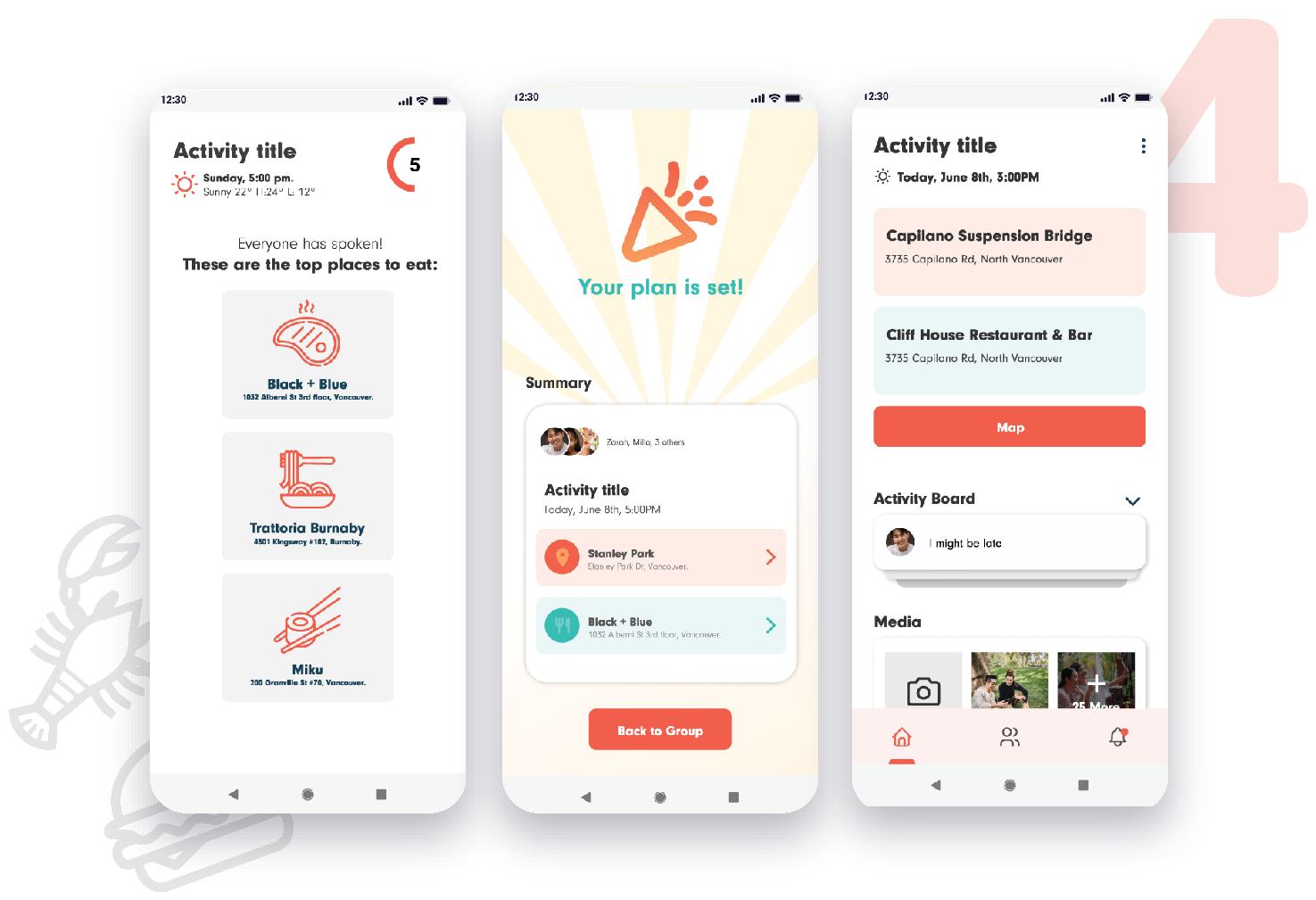
4. Once every member of the group completes the quiz, jaunt will use evey user's input from both interactive quizzes (personal preferences, and mood) to generate three top suggestions using artificial intelligence.
Each user is encouraged to vote for one of the activities, and the winner will be the one they will be doing! The app considers both your selection, and the time you took to decide. Faster decisions add more points toward the final decision.
After the activity is chosen, users can access a map from the dashboard to know at what time they need to depart in order to arrive on time to the place.
And that's how every member of the group now knows what to do, when, and how to get there on time! Due to the input from both interactive quizes and its aligment with the Open AI API, the suggestions will highly likely be interesting for the users, and the app can work worldwide.
- UX Research -
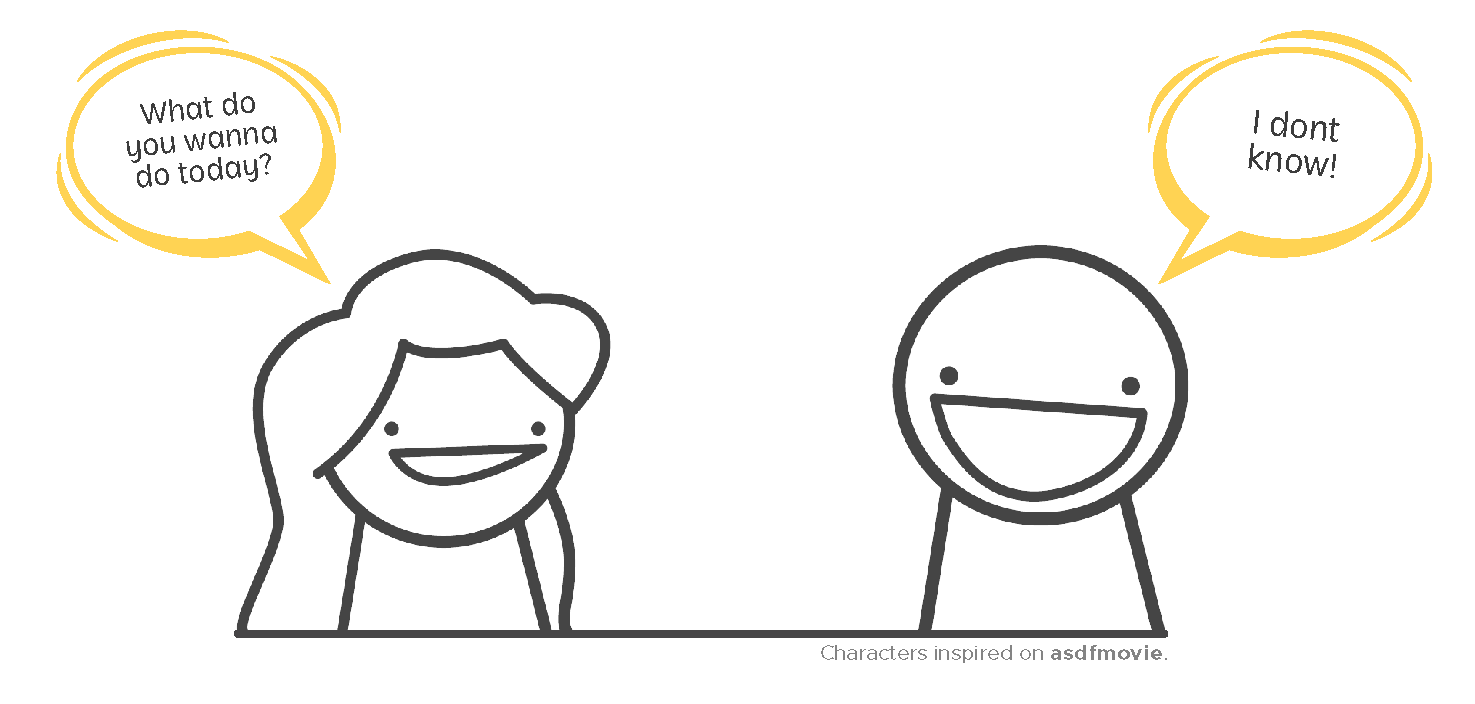
We all have an inherent need for entertainment. It helps us socialize and get out of our ordinary selves. The market opportunity that we identified is that there are so many entertainment options that it gets hard to choose when planning an activity in a group with more people.
This led us to our market research, where we made sure that our idea had potential within a real market niche through interviews and then created user personas based on our potential users.
User Personas
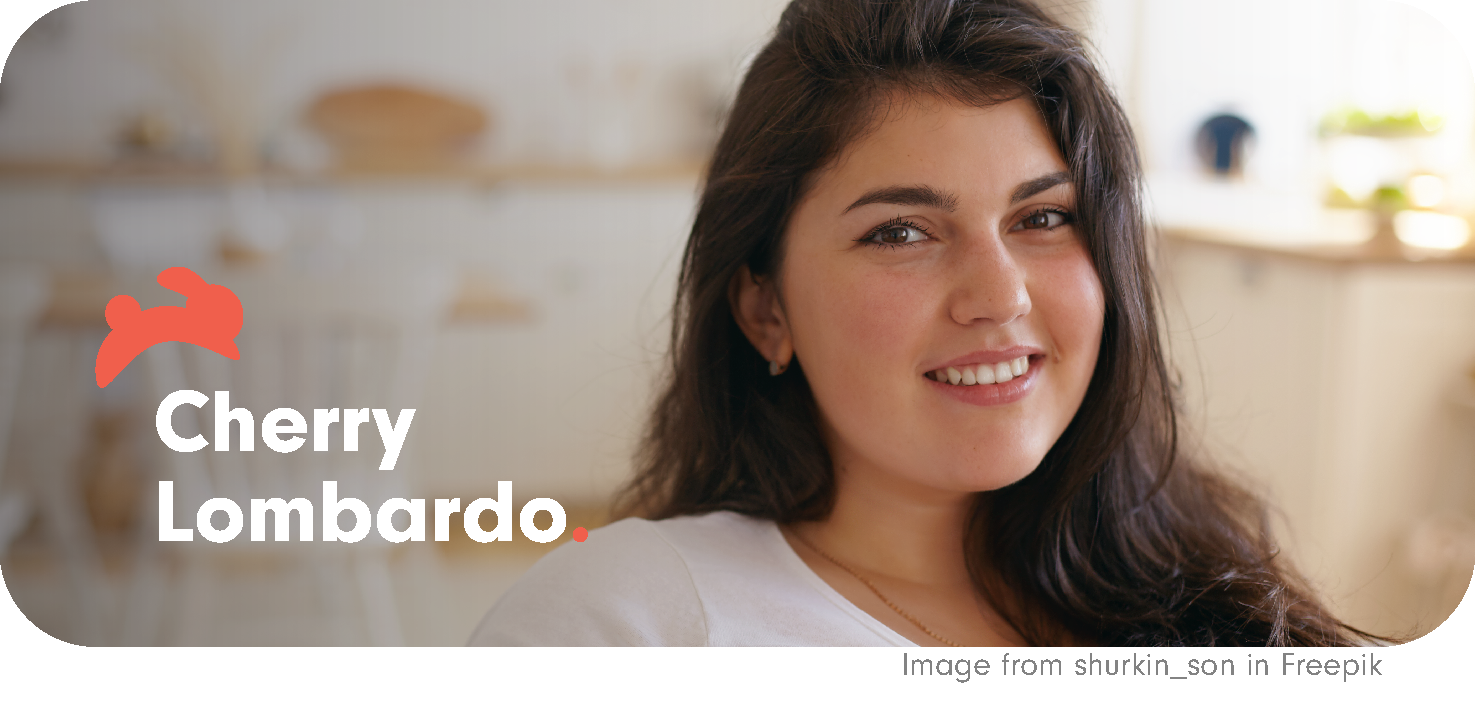
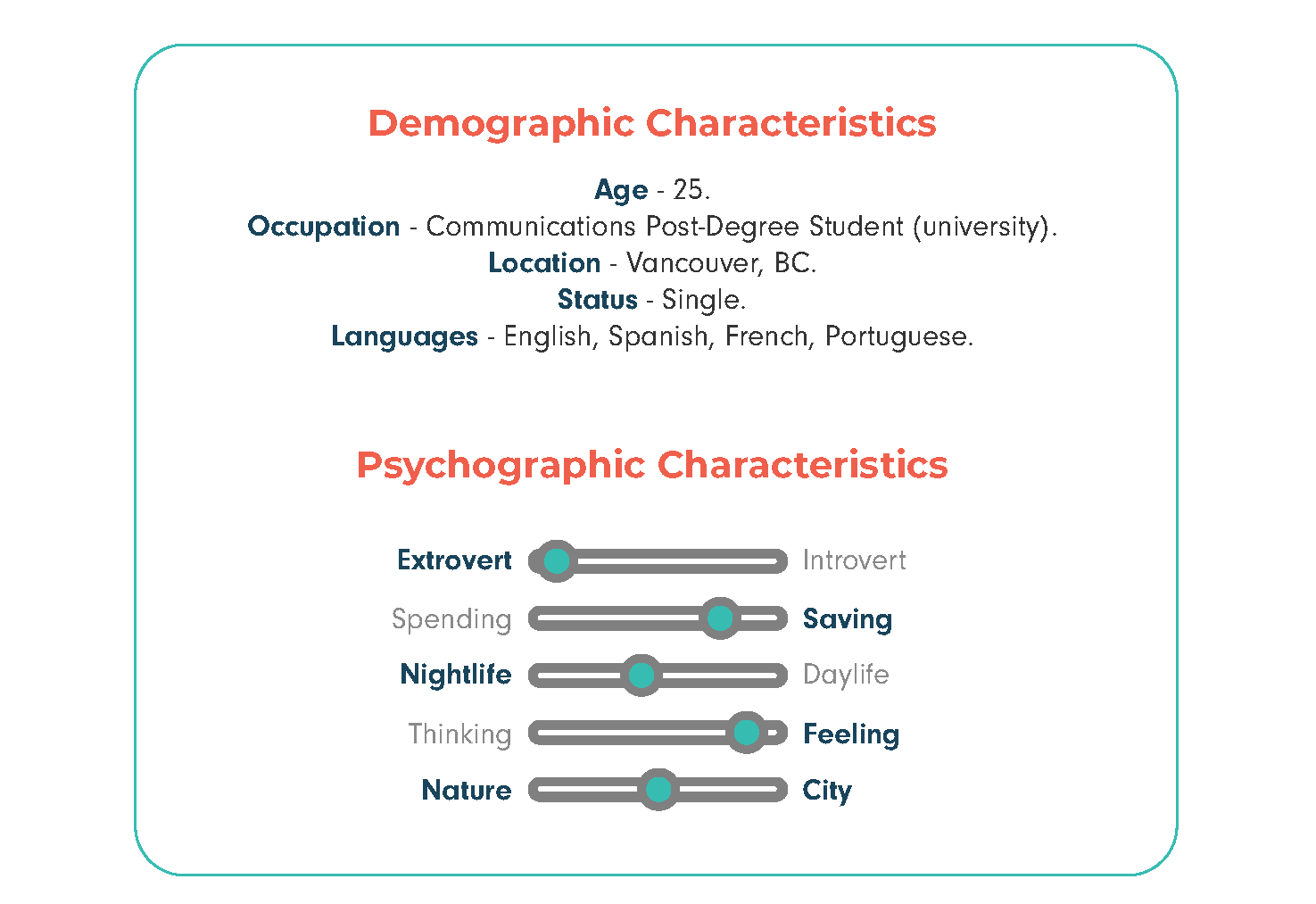
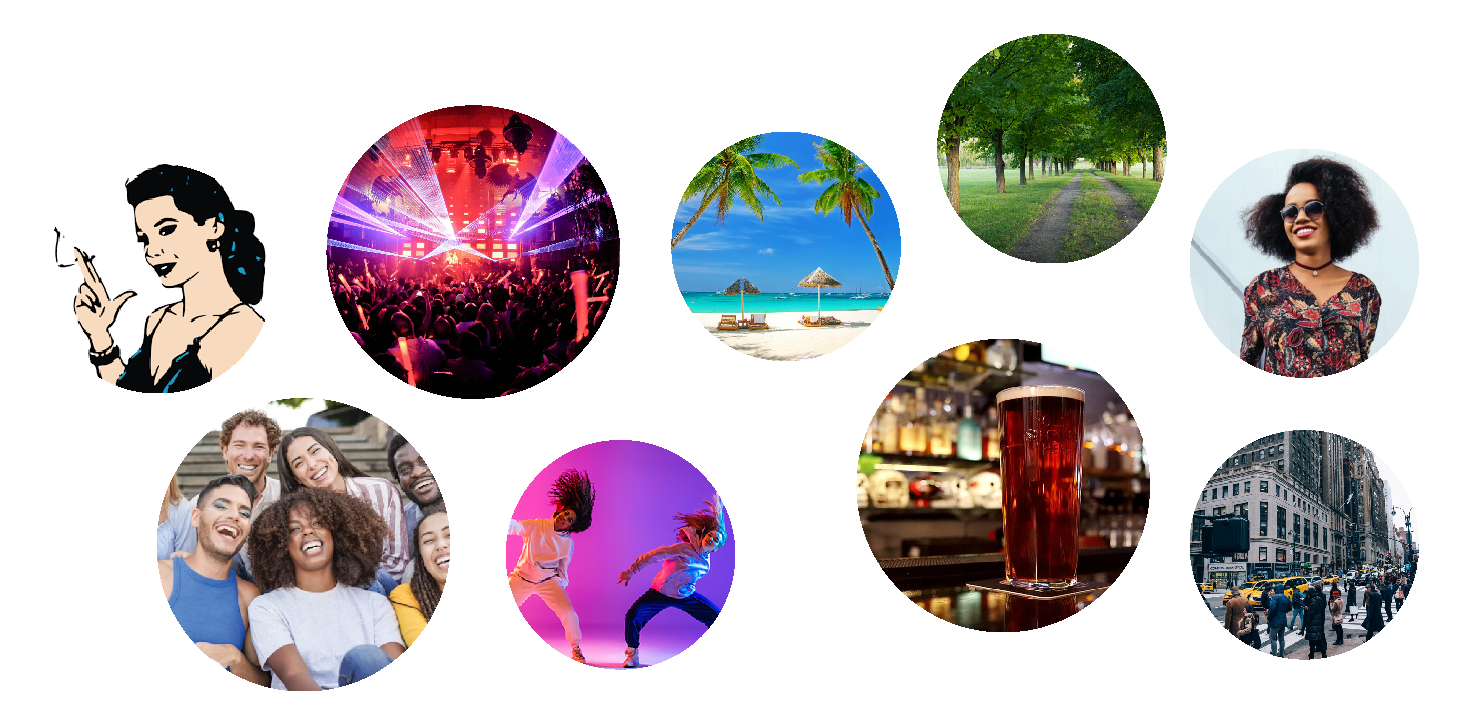
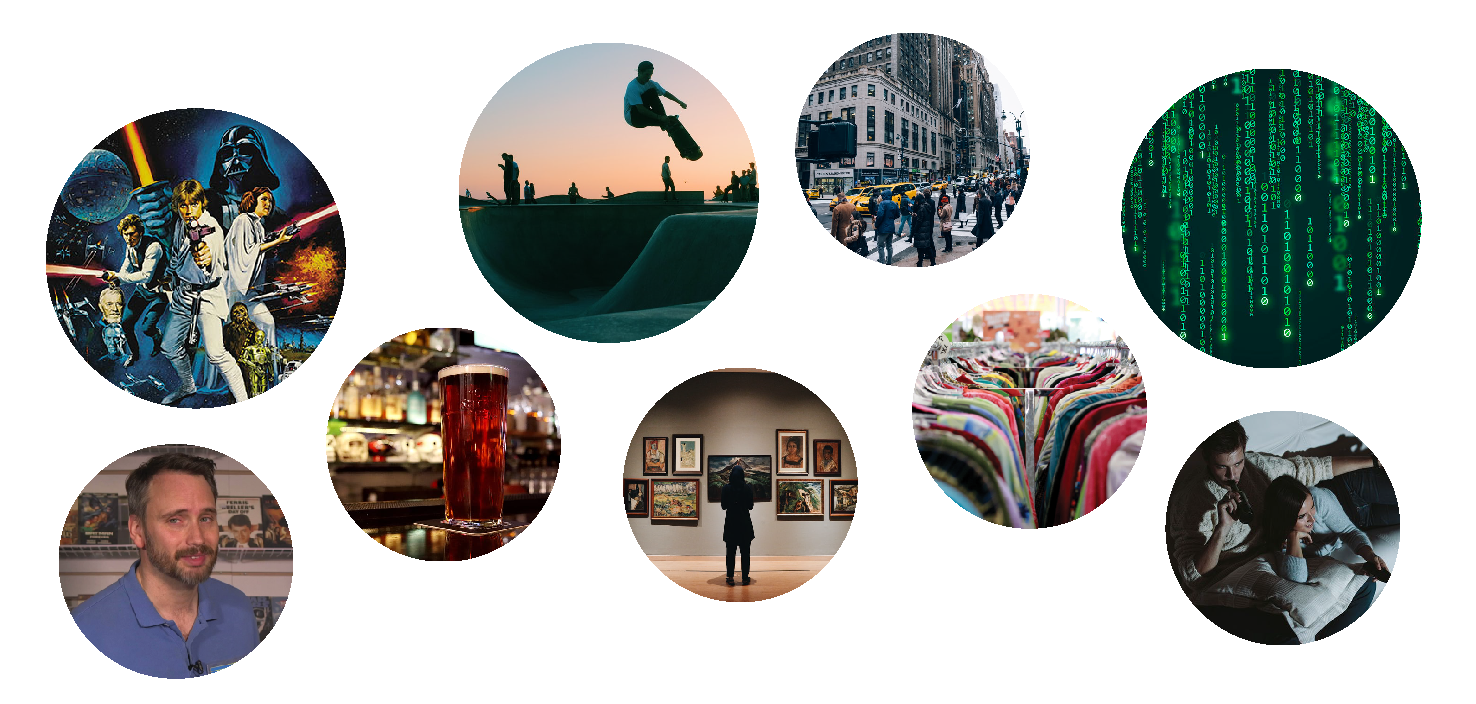
*Represents people who have lots of friends and are interested in exploring available activities to have fun in Vancouver. This is the type of person that's always surrounded by people, makes new friends easily, and are always up-to-date with the latest trends and activities available in the city, but since they always hang out in groups, It's never easy to make everyone agree.
Representative Moodboard

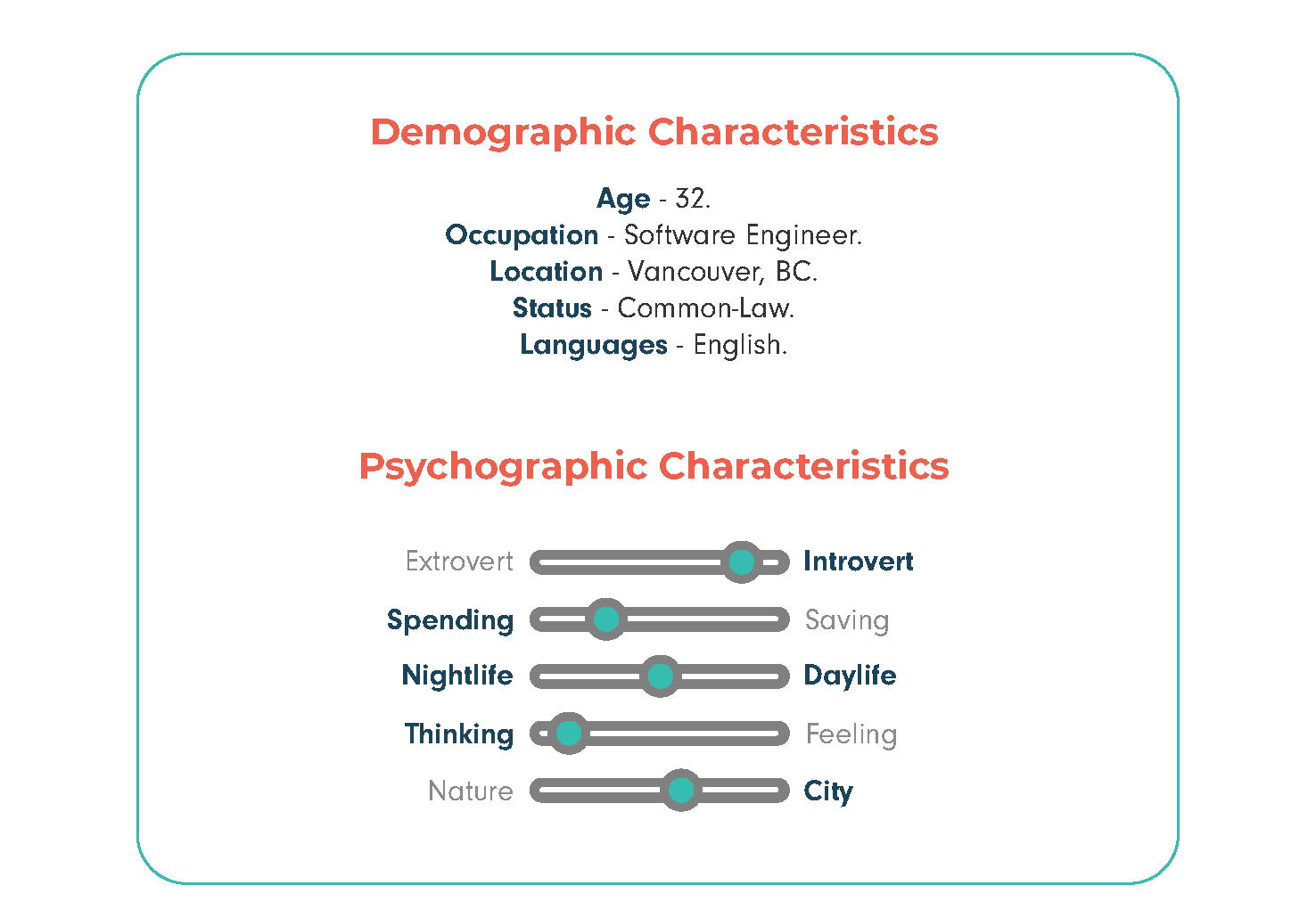
*Represents people that aren't described as very social but like to go out either alone or with those closest to them - friends, family and significant other. This is the type of person that's somewhat introvert but still likes to create new experiences with the ones they care about, and they usually don't know much about new options available because they tend to settle with what they already know.
Representative Moodboard
Jaunt's Main Features
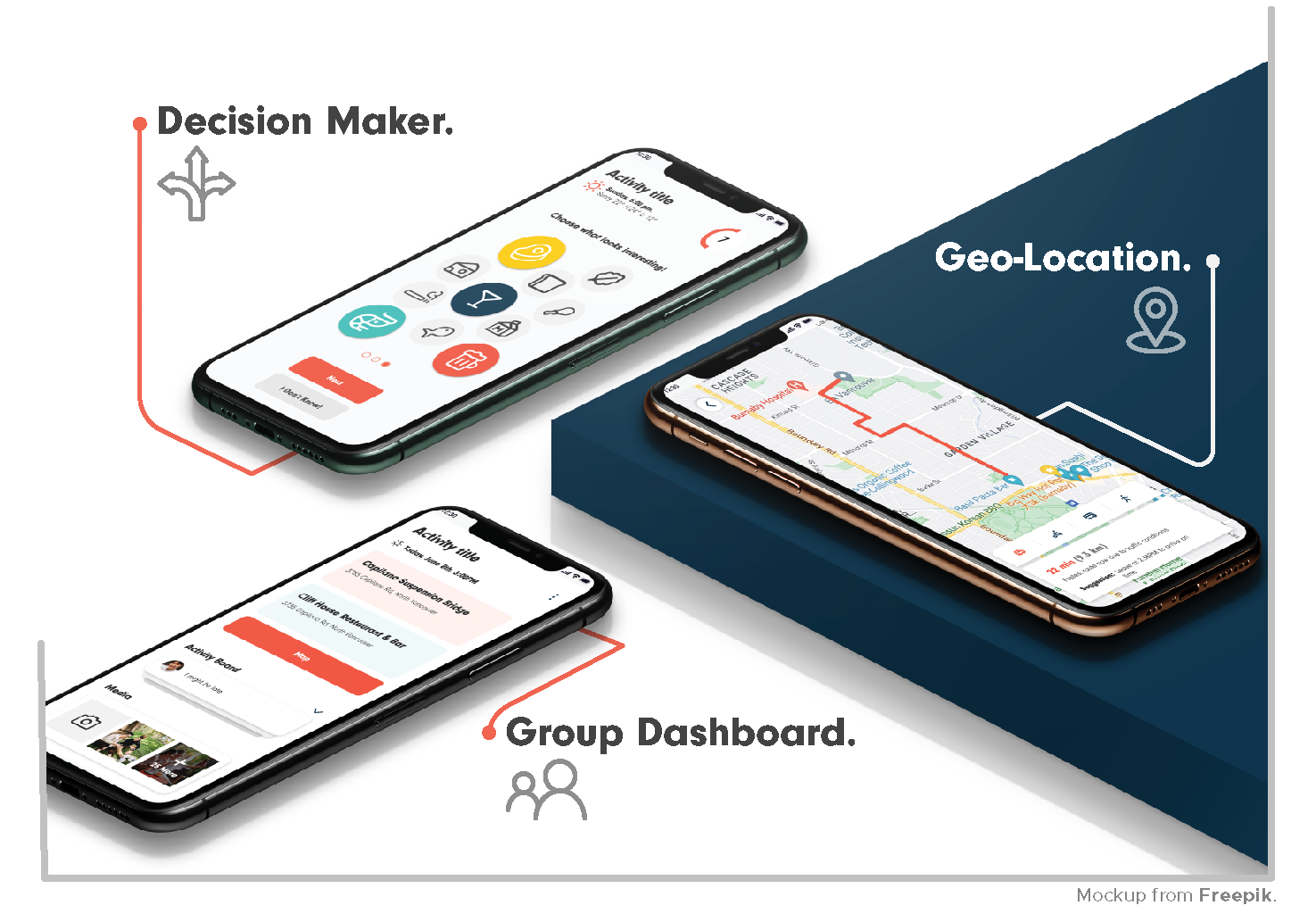
Deciding on a place when going out is challenging and time consuming. Our first feature is a decision maker that addresses this problem by considering everyone's personality rather than relying solely on one person's suggestion, ensuring that all users are taken into account during the decision-making process.
To make it possible for the users to interact and for Jaunt to be able to use everyone's input, an Activity Dashboard is created where every user has the same permissions: Invite or remove members, create posts in an Activity Board, and upload or download media.
Other main feature consists of automatically detecting the users' location and displaying routes to the destination by car, foot, bicycle, or public transportation, so users know exactly when they need to go out.

Competitor Analysis
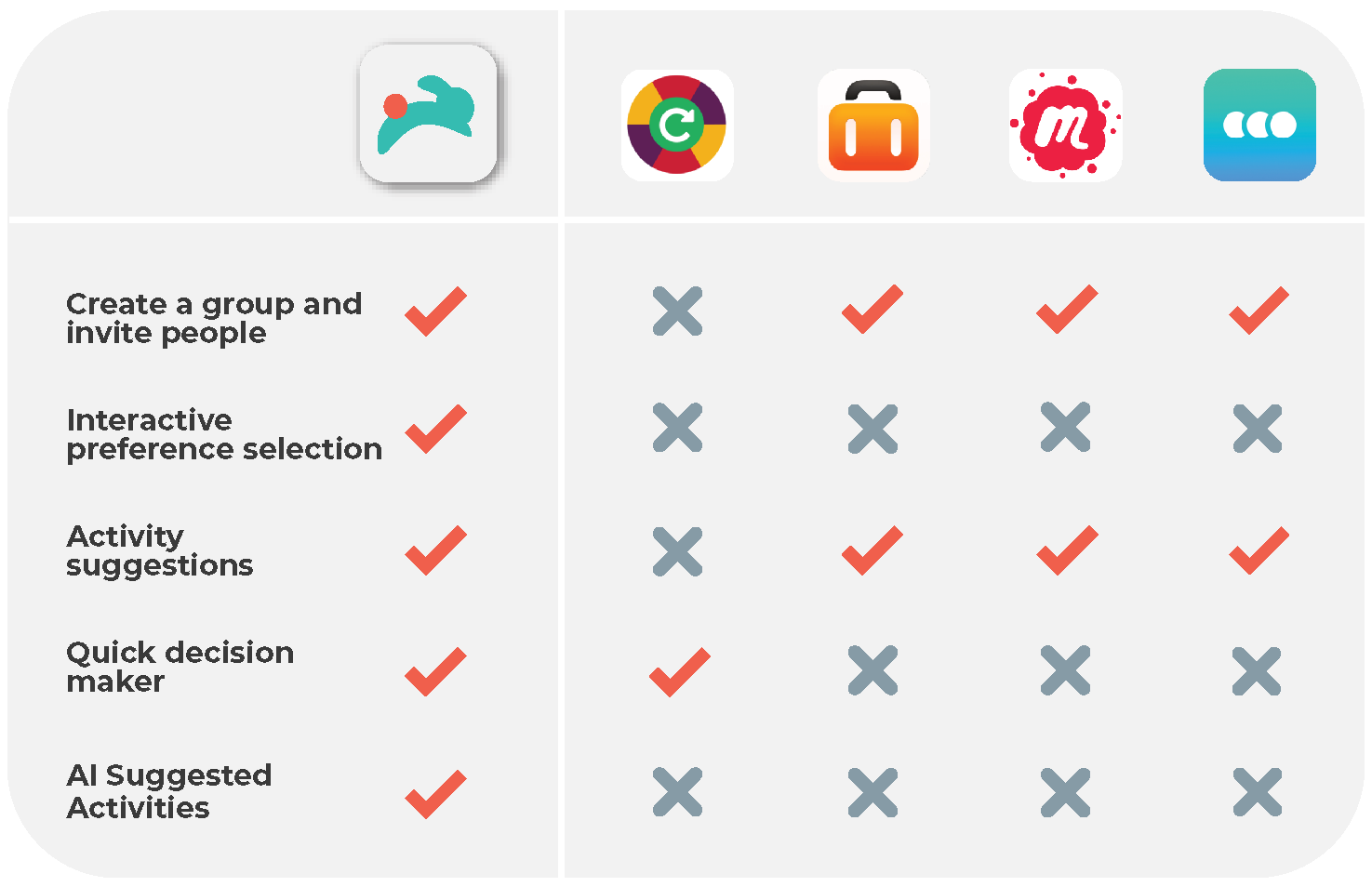
Decision Roulette: Mobile application that helps users make decisions by randomly selecting an option from the choices they input. It offers customizable options, an eye-catching interface, and history of previous decisions. Other decision-making apps like Decide Now! and Decision Maker provide similar functionalities.
Tripsy: Mobile app designed to help travelers plan and organize their trips. It allows to create itineraries, access travel information, set budgets, and create packing lists. Trip planning apps typically offer functionality for itinerary creation, travel information, budgeting, packing lists, collaboration, and notifications.
Meetup: Social networking platform that connects people with shared interests, allowing them to organize and join in-person events. Users create an account, explore and join groups, and attend events organized by those groups.
Howbout: Mobile app that serves as a social calendar for making plans with friends. It offers the ability to chat with other users, share calendars to find when everyone is free, and users can send invitations to anyone. Its main focus is to facilitate deciding a date and time that works for everyone who's involved.
- Brand & UI Design -

Brand - Monogram
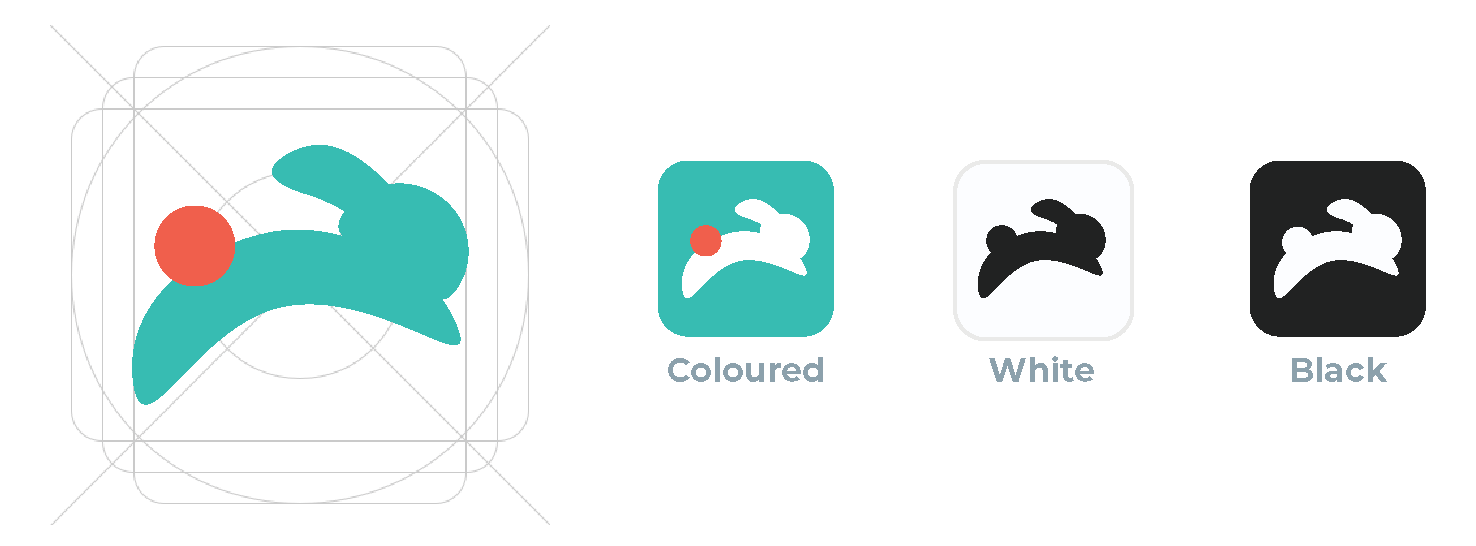
The bunny represents the joy of hopping from place to place and the speed of the decision- making process that our app provides.
Brand - Logo Typography

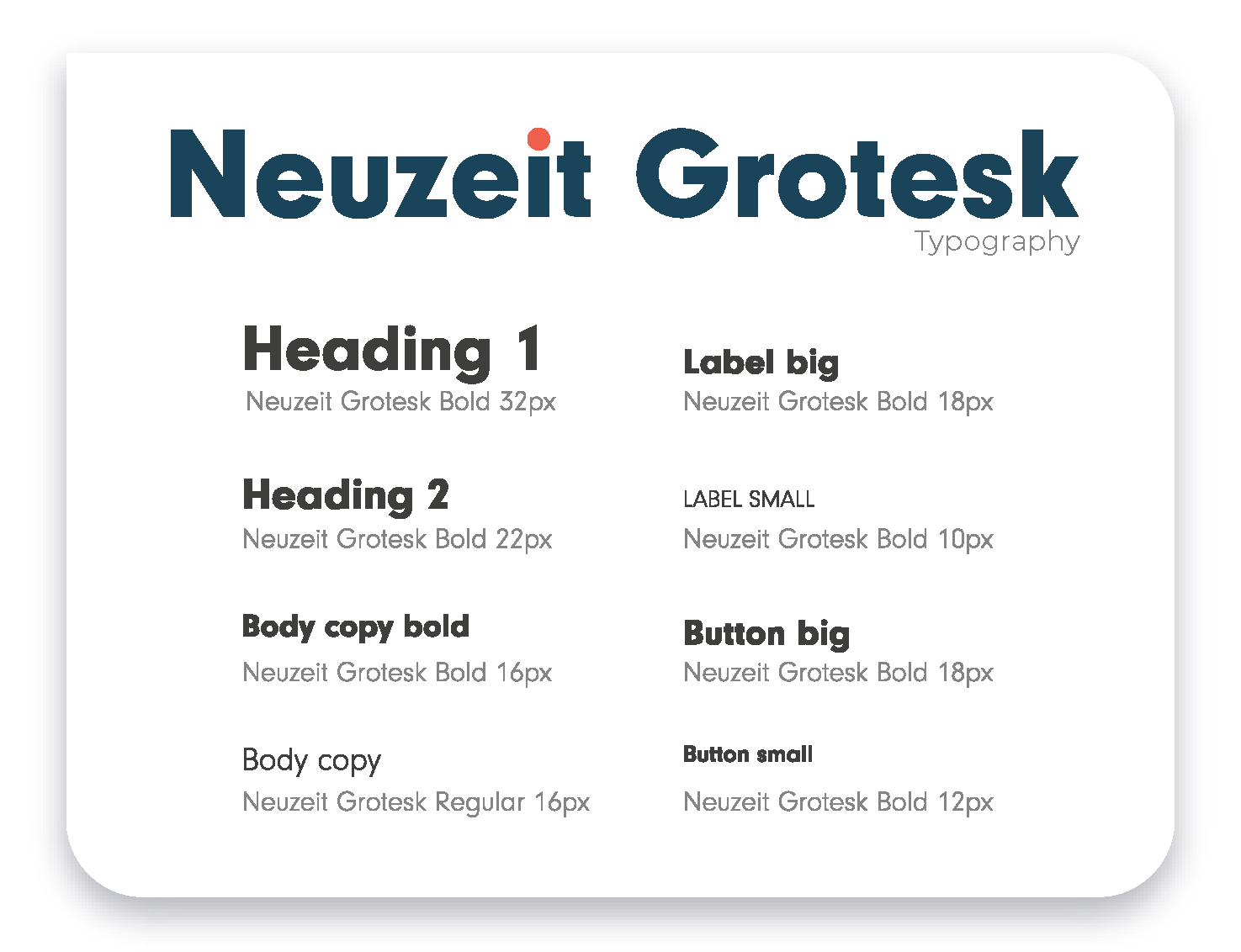
Mithella Bold's roundness and eye-catching characters, added to our colour scheme, help us transmit a playfull and friendly feel through the app.
Brand - Colour Palette
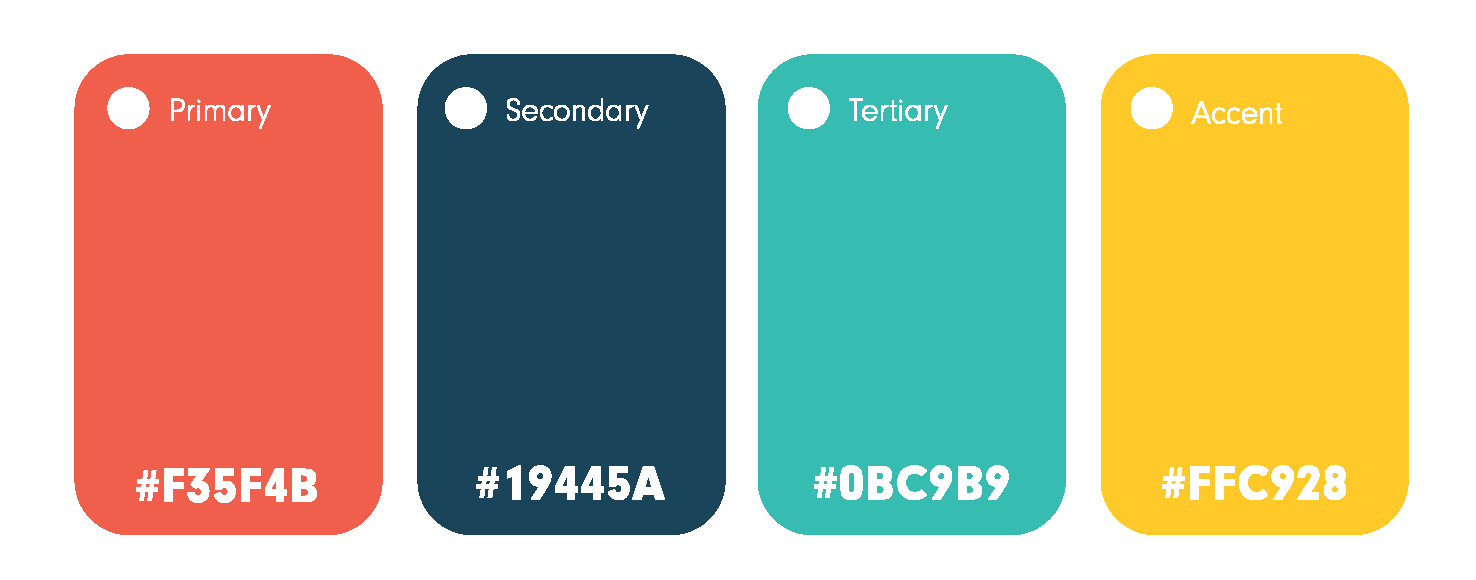
Once our brand was defined, we jumped straight into designing the architecture and navigation for Jaunt.
Sitemap
User Flow
UI Kit - Typography
UI Kit - Icon Family
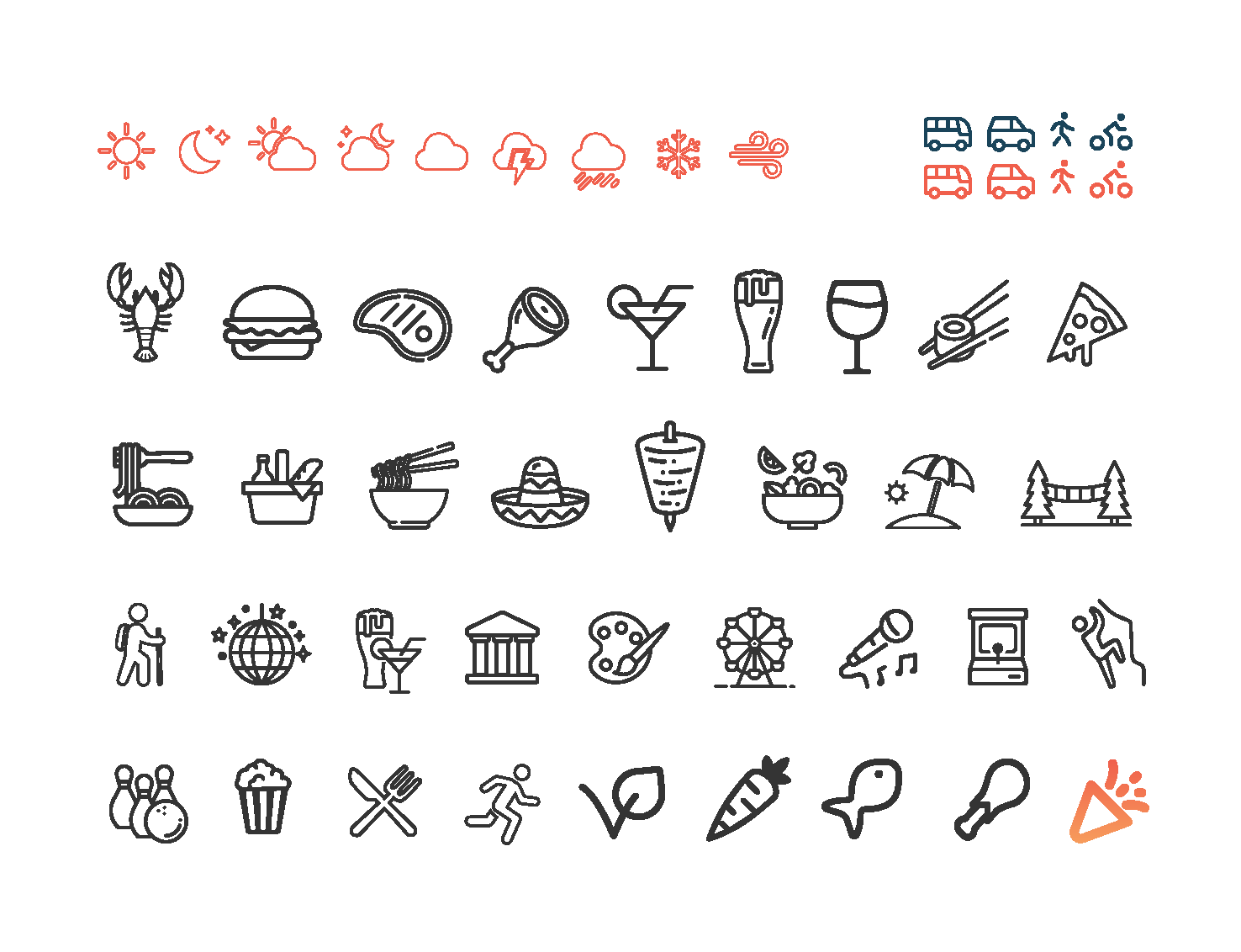
UI Kit - App Components
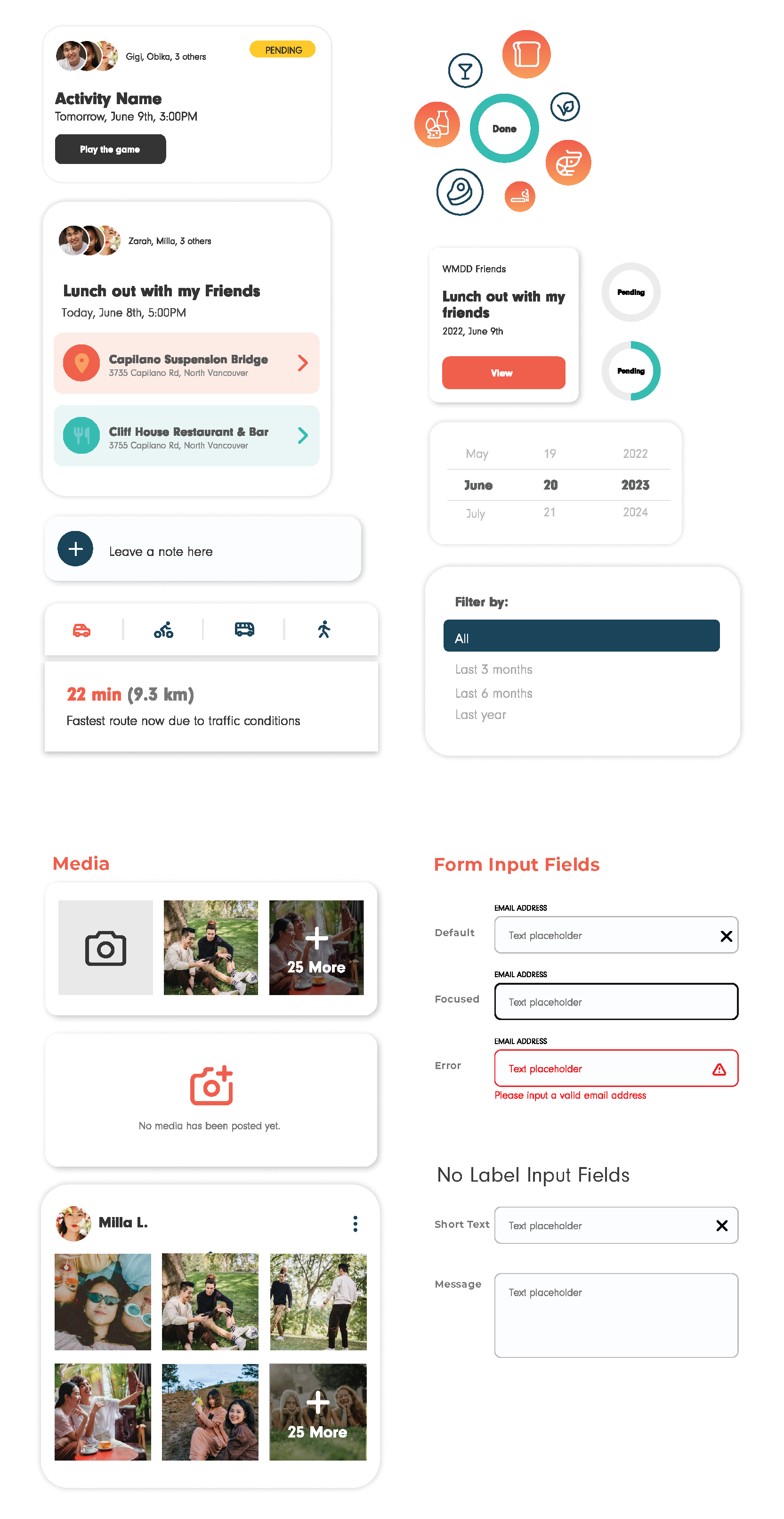
Low-Fidelity Wireframes
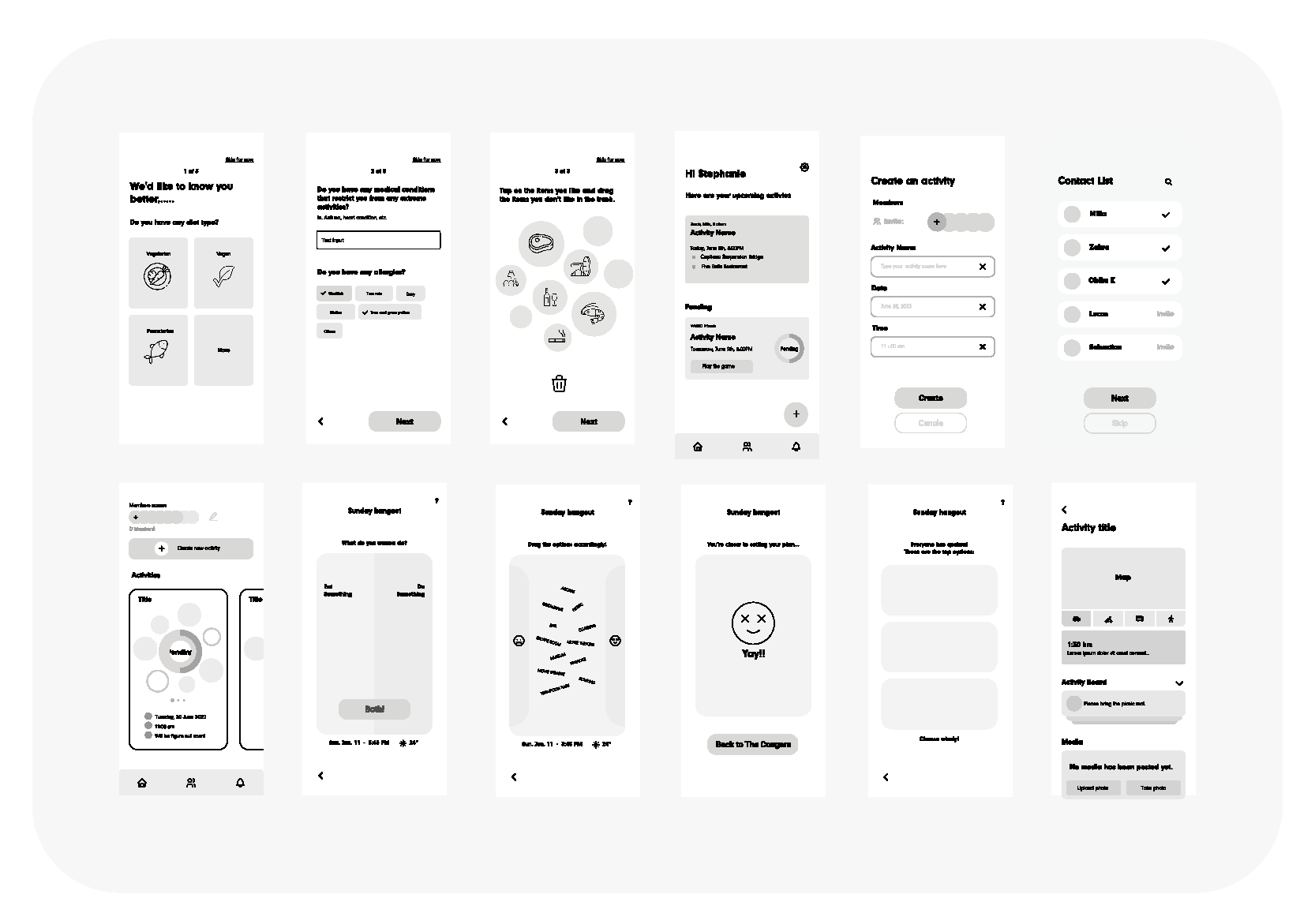
High-Fidelity Wireframes
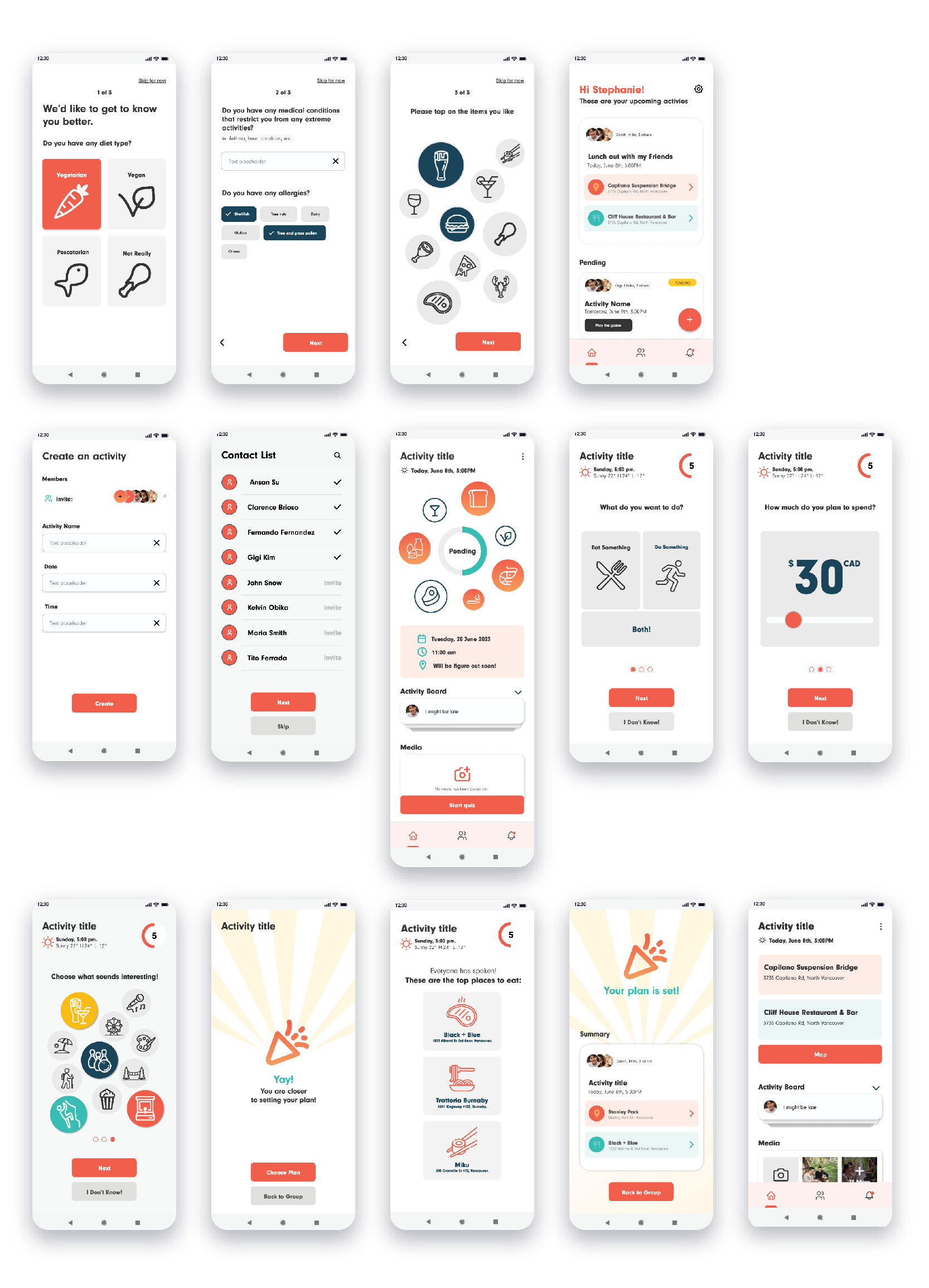
Once we finished our High-Fidelity Wireframes on Figma, we were ready to create our prototype and put it to the test with our potential users to validate it and detect improvement opportunities.
- Marketing Materials -
We created two videos to explain and market our app. The ideas, scripts and edition were fully made by me. Click here to go to the second video (located at the beginning of this page).
One-Pager Handout
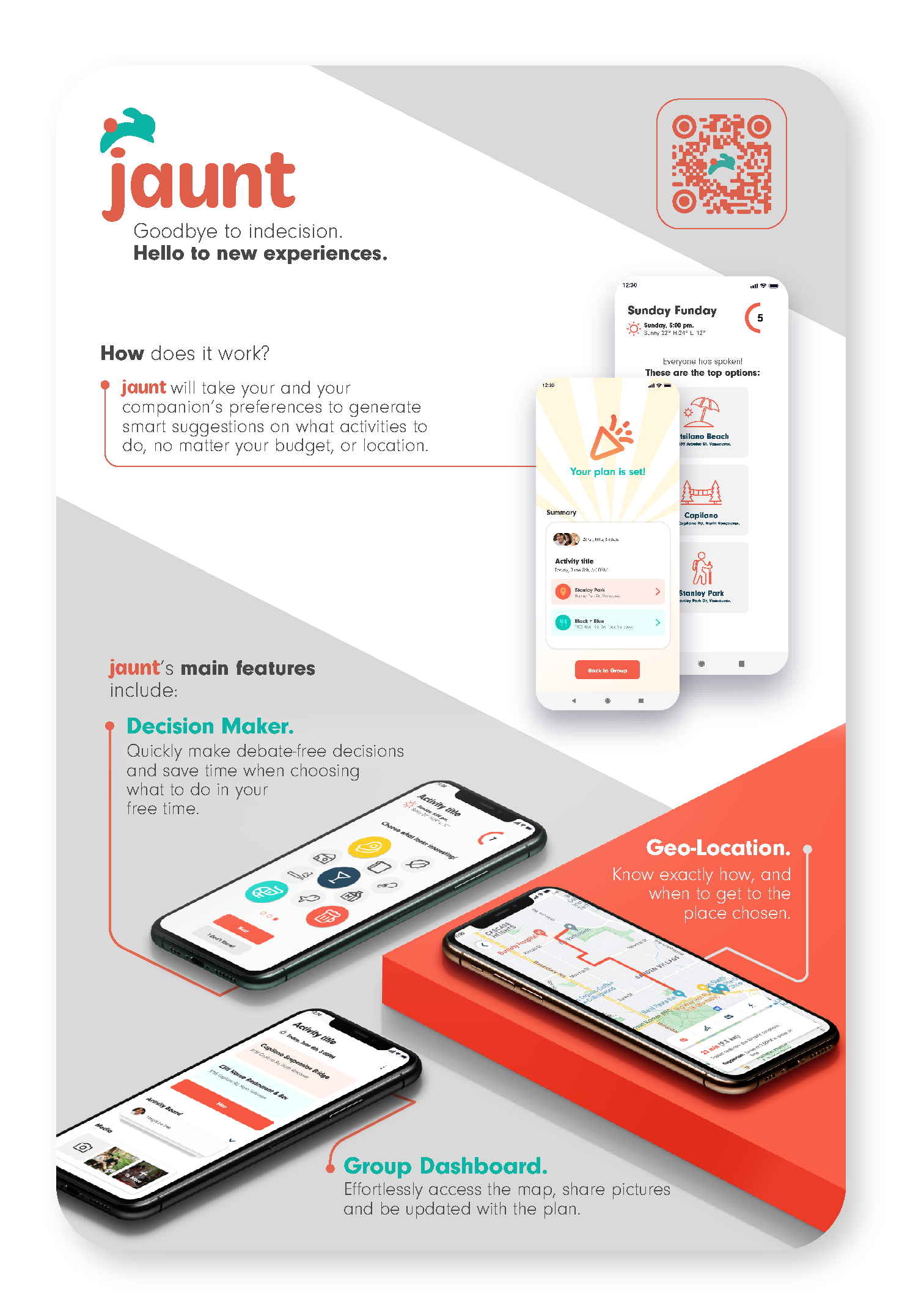
I created this poster to be printed and handed out the day we presented our app to a panel of industry professionals.
LinkedIn Posts
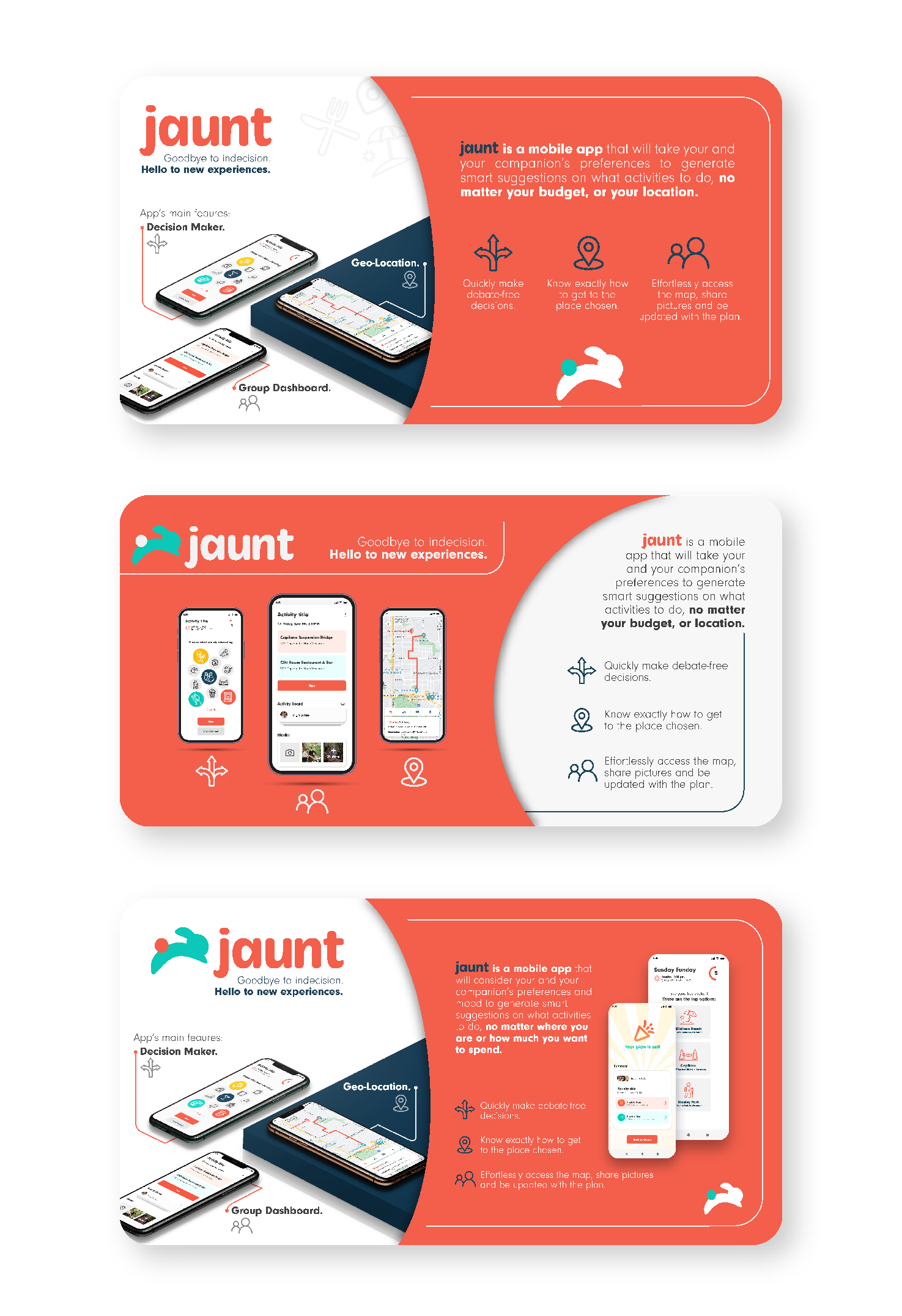
Set of three graphic pieces to promote the project on LinkedIn.
Proposal Document
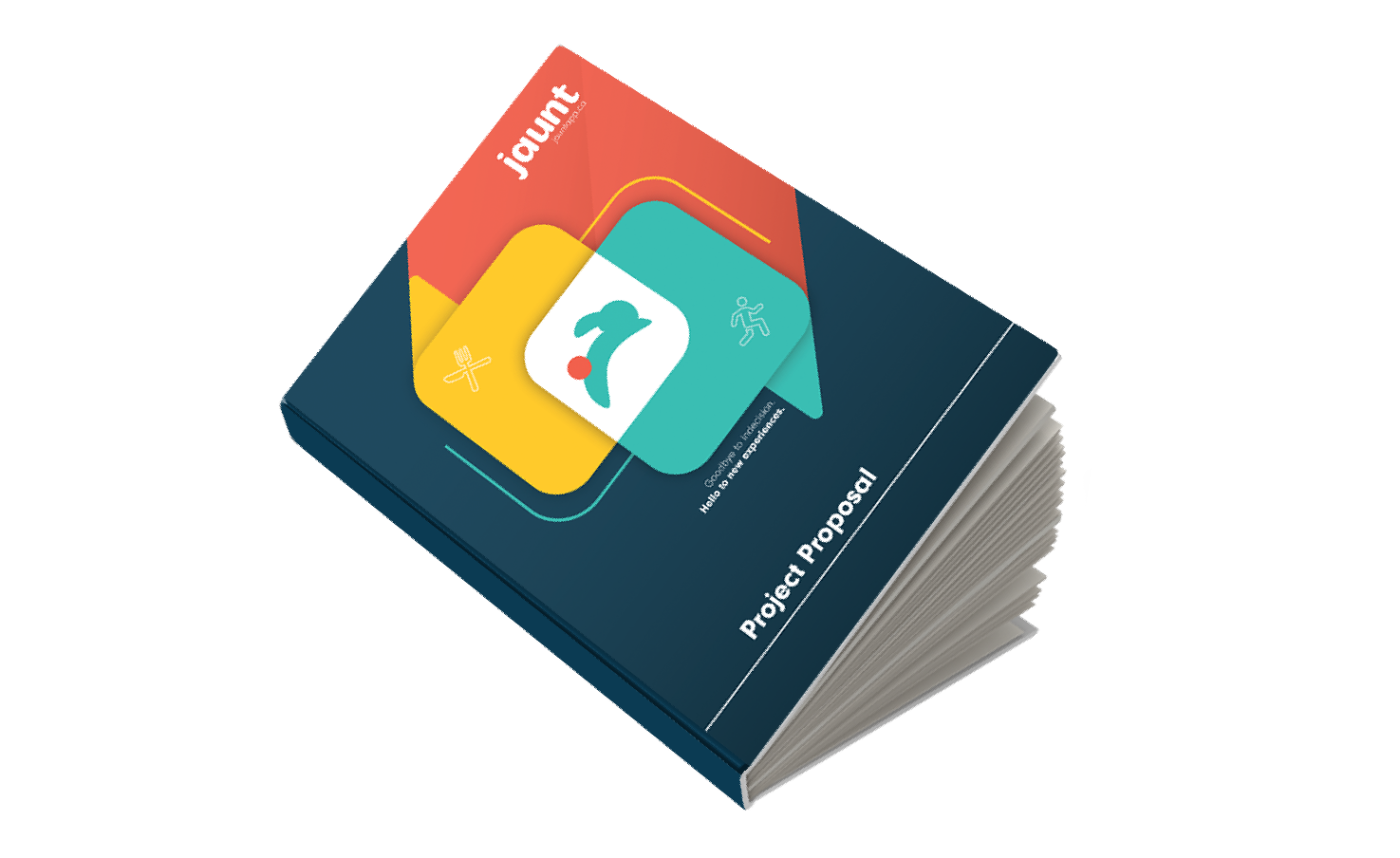
I created the project's proposal document, highlighting the design process and result of the project. The entire layout was designed by me and then it was printed as a booklet to give to the final presentation event atendees.
Click the book above to check it out!
Project Presentation
The MVP of the project was presented in a UBC theatre to a panel of industry experts. Three members of the team, including myself, presented the project and got extremely positive feedback, taking the second-best place among the evening's presentations.
I created the final presentation deck along with another designer of the team. I opened the presentation explaining the market opportunity and our app's features, a developer from the team went through the live demo of the MVP, another designer from the team explained the UX and UI elements, and I closed mentioning the future features we could implement and doing the team introduction.
Project Management
I also took the role of project manager of the team, making sure everyone was up to date on every stage of the project so we could be on time with the weekly deliverables set in the schedule. We took the Agile approach and used Jira.